
CompletedReactFlaskPython+3 more
CapVid
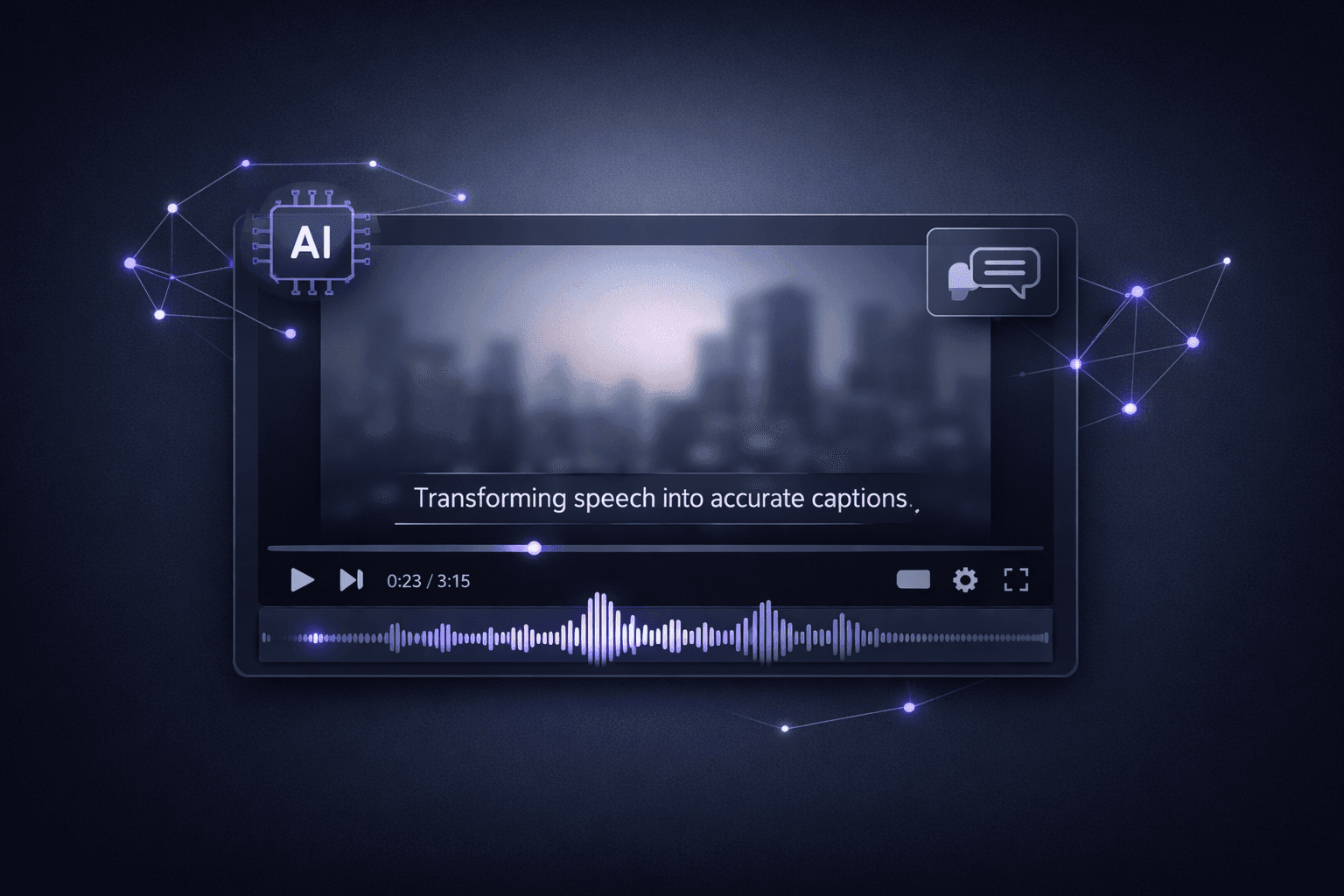
AI-powered video captioning app that auto-generates and burns subtitles into videos using Whisper speech recognition
Timeline
3 months
Role
Full Stack
Team
Solo
Status
CompletedTechnology Stack
React
Flask
Python
Whisper
FFmpeg
Tailwind CSS
Key Challenges
- Audio extraction from video
- Speech-to-text accuracy
- Subtitle timing synchronization
- Video re-encoding with burned captions
- Handling large video files
Key Learnings
- Whisper speech recognition
- FFmpeg video processing
- React-Flask integration
- SRT subtitle format
- Audio processing pipelines
CapVid: AI-Powered Video Captioning
Overview
CapVid is a web application that automatically generates captions for videos using OpenAI's Whisper model. Users upload a video, the backend extracts audio, transcribes it with Whisper, and burns the resulting subtitles directly into the video using FFmpeg.
Key Features
- Automatic Transcription: Leverages OpenAI Whisper to convert speech to text with high accuracy across multiple languages.
- Subtitle Burning: Uses FFmpeg to permanently embed .srt subtitles into the video file so captions are always visible.
- React Frontend: Clean, responsive UI built with React and Tailwind CSS for uploading videos and previewing results.
- Flask Backend: Python Flask server handles file uploads, runs Whisper inference, and manages FFmpeg processing.
- Multiple Format Support: Accepts common video formats and outputs captioned MP4 files.
Why I Built This
Adding subtitles to videos is tedious, you either pay for a service or manually time every line. I wanted a free, self-hosted tool that handles the entire pipeline: extract audio, transcribe, generate timed subtitles and burn them into the video, all in one click.
Future Plans
- Support for subtitle style customization (font, color, position)
- Batch processing for multiple videos
- Real-time transcription preview before burning
- Support for multiple languages